
Ag Data Mapping Solutions Pricing
ADMS Software - VR Prescriptions
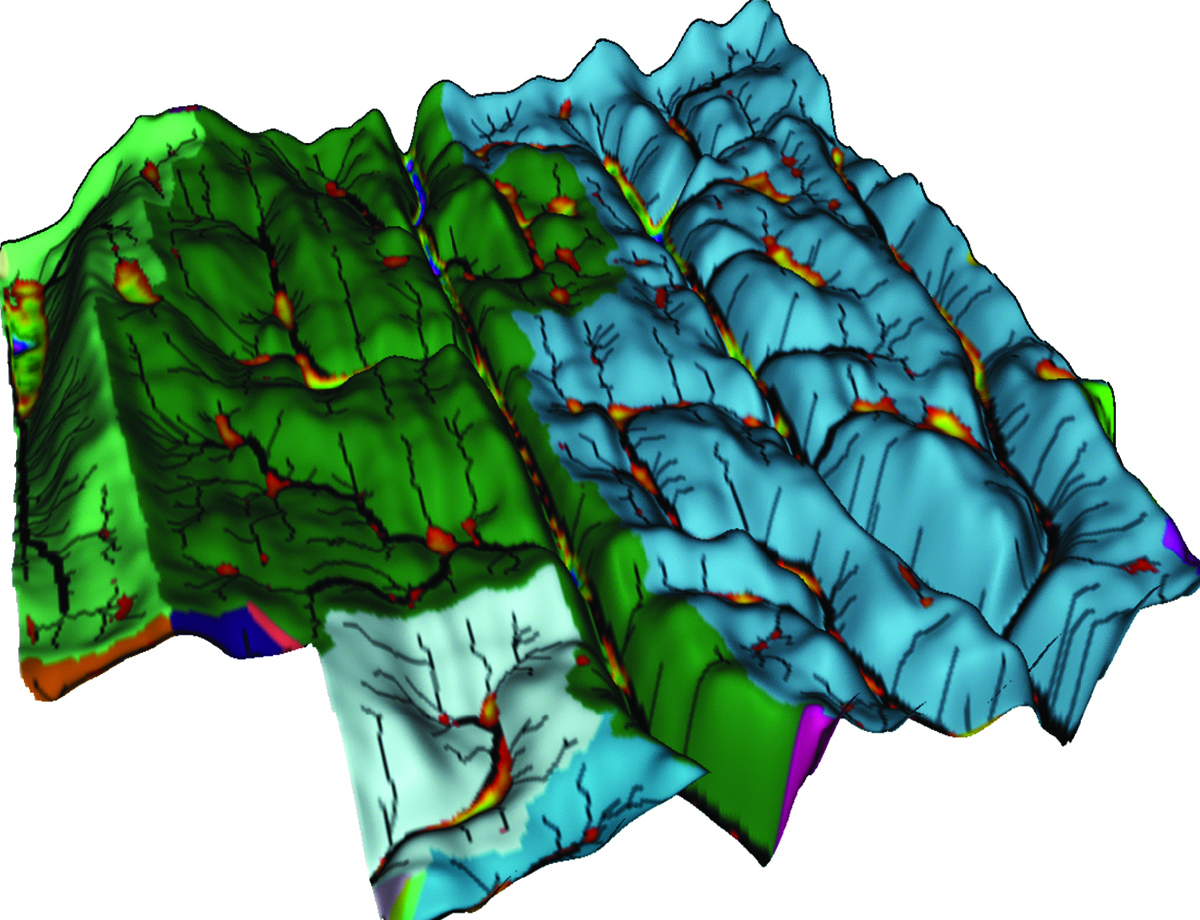
3D Topography

Soil Sampling
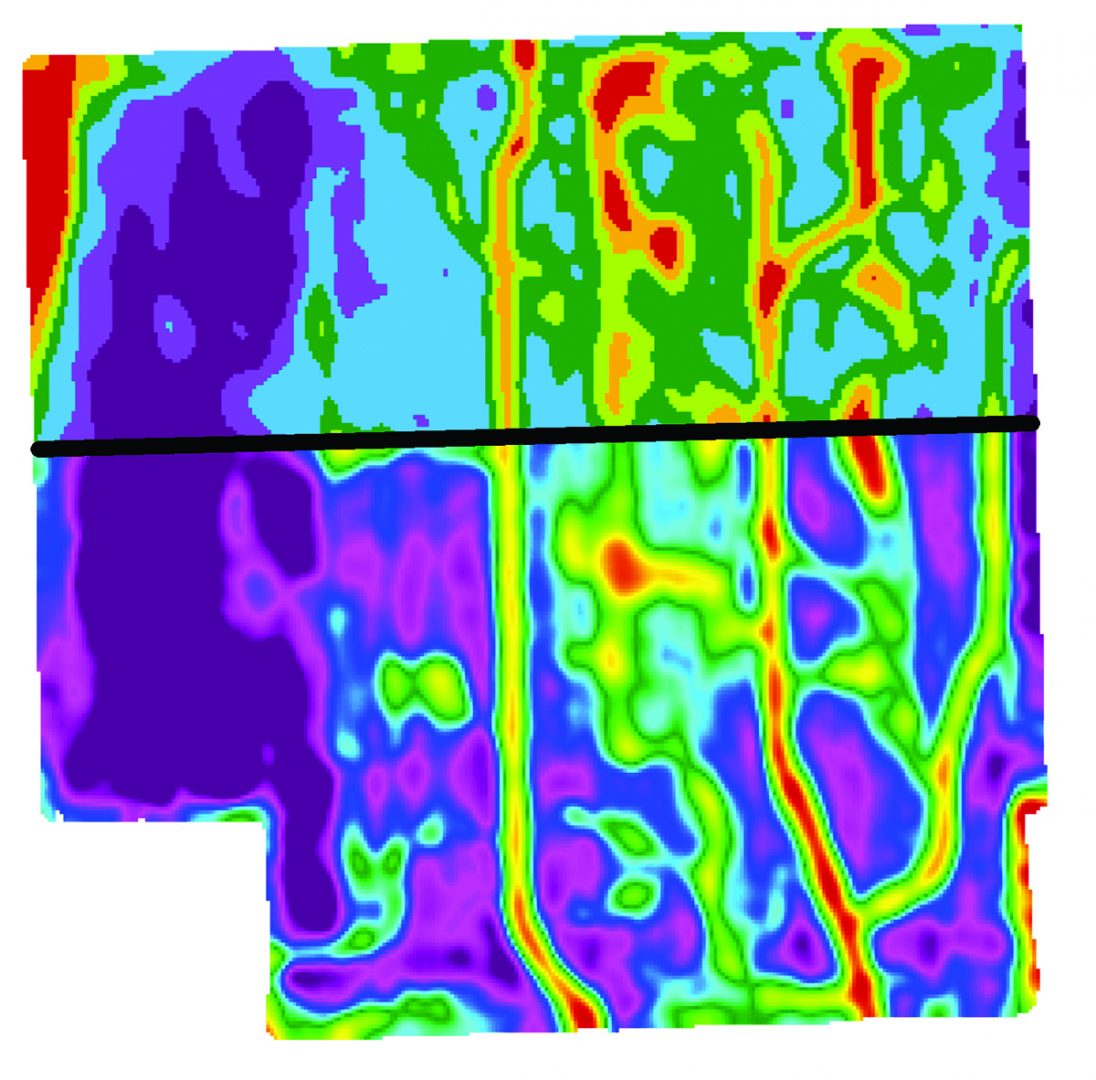
Variable Rate

Data Processing
Mapping Services

Grids & Zones

Prescriptions

drainage

Watershed Modeling
Software Pricing
GK Technology's ADMS software pricing is sold in modules that will allow you to do different functions. These modules are billed on an annual basis.
NOTE: We sell both software (ADMS) and also supply mapping services: two independent items as you look through the literature below.
ADMS Software Install
Installation for GK – Ag Data Mapping Solution – ADMS - www.gktechinc.com/adms32/
Open ADMS “Ag Data Mapping Solution”
To get a trial period code, contact one of our sales reps below by clicking on the name to send an email.
Paul Fuller - Southwestern US
Clint Streeter - Northwestern Tier US
Kelly Sharpe - Northern MN & Eastern ND
Ernie Johnson - Eastern US
Canadian Resellers:
CropPro (Saskatchewan) - Brad Dunnington
Delta Ag (Manitoba) - David Jaddock
KOMB Ag Services (Altona, Manitoba) - Marlen Bergen
After you receive your trial period code, go to "Help" and insert the code into the "Trial Period Code" box.
You should see many buttons showing up in the software.
After you have used the software and would like to purchase, email your sales rep with your system ID located under “Tools” and “Enable Options” and let them know which modules you are interested in.

Downloads & Online Help Videos
Optional Download ADMS User Manual –
Online Videos – Password Required (note videos may refer to 2019 User manual)
NOTE: Your sales rep will supply the online videos password.
For Grid sampling data we like to have Surfer installed (ONLY for grid sampling) www.gktechinc.com/Downloads/Surfer8demo.exe
At this point you should be functional for doing drainage and vr prescription writing.
ADMS Software - Watershed
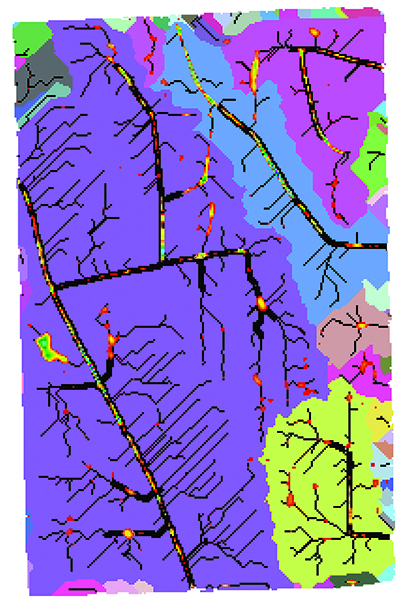
Watershed Modeling
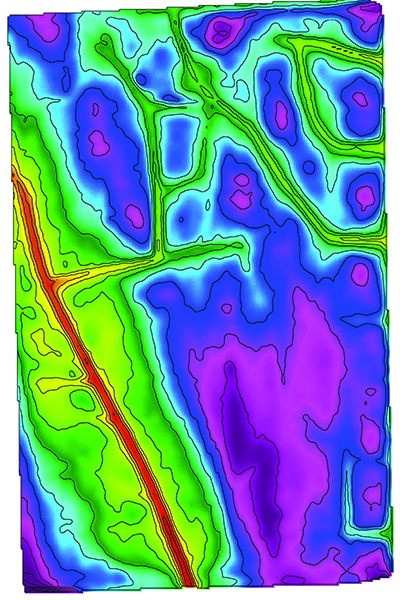
RTK LiDar
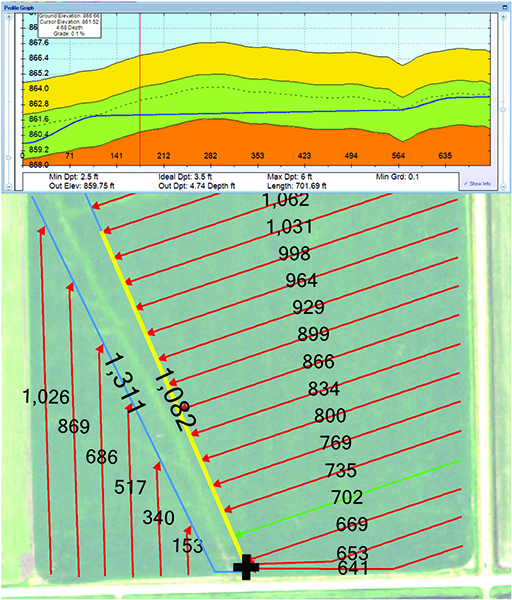
Tile Planning
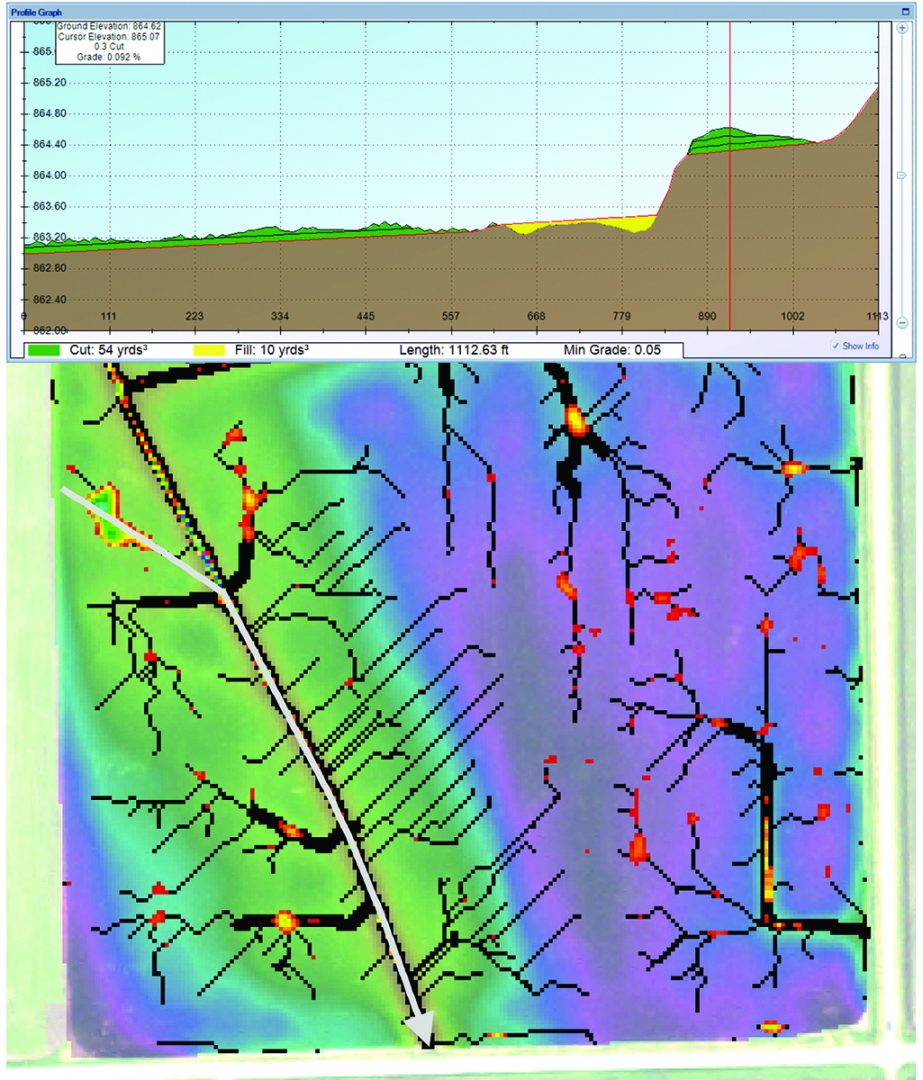
Ditch Planning
Additional Installs Yield & VRT Export/Import
If you are looking to process Yield data or write Variable Rate maps, I would recommend to download the following. Once you hit the FODD Drivers links area, it gets to be an as needed for the equipment you will be working with.
Check if you have Yield Editor by going to windows START button & “Programs” or “All Apps” if you find “Yield Editor” in your list, DO NOT install Yield Editor
Yield Editor Version 1.02 Download..
www.gktechinc.com/Downloads/YieldEditor102.exe
If you already have FOViewer installed you can skip the FOViewer install and the FODD installs.
Do all the “MUST INSTALL” items, There are many FODD’s, do the ones that you NEED under “optional”.
FOViewer – MUST INSTALL
http://www.mapshots.com/ftp/FODM/Installs/FOViewer_3.11.09.0.exe
FODD Runtimes –
http://www.mapshots.com/ftp/FODM/Installs/FODMRT_031109.exe
FODD (Field Operations Device Drives) for individual controllers.
http://www.mapshots.com/ftp/Prerequisites/AgStudioFodds.exe
You should have all the tools you need for a full Variable Rate, Yield Processing and Drainage mapping system.